
In the bottom right corner of our website there is a small button that says "Talk to Lane". Click it and a video window opens with an advisor who answers questions about our courses by video, by voice or by typing, at any time of day. Several students asked us why a small school did this, so here is the story.
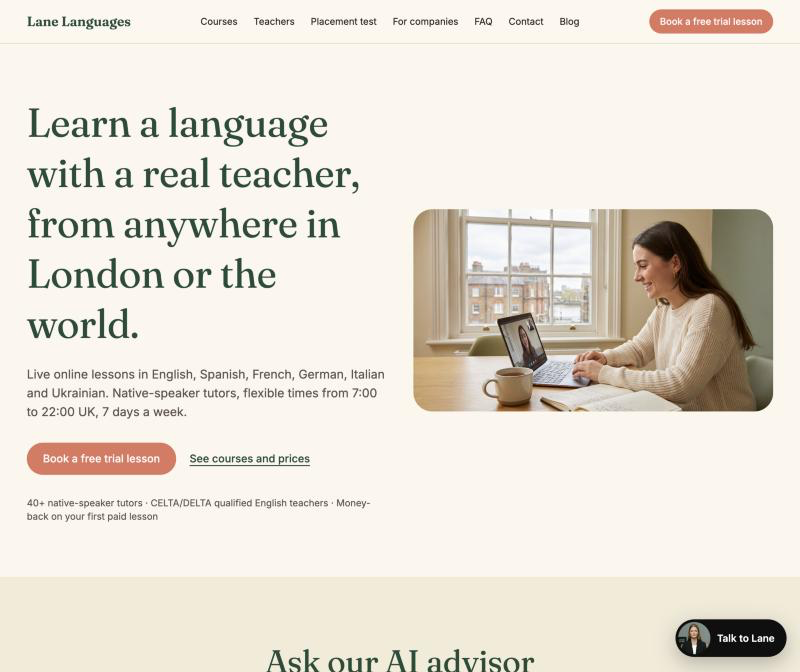
What visitors ask
Before we started, we went through our inbox and the notes from first calls. The questions were nearly always the same: which level am I, is the group course or 1-to-1 better for me, can I have lessons before work or late in the evening, how long is a lesson, what if I need to cancel, do you teach children, can my company pay by invoice. None of them need a teacher. All of them need a quick, honest answer, and most arrived in the evening or at the weekend when nobody was at the desk.
How the advisor answers
The advisor knows what our admissions team knows: the six languages we teach, every course and its price, lesson times from 7:00 to 22:00 UK time, the placement test, the cancellation and refund rules, who our teachers are and how corporate training works. You can speak or type, and it answers in a short video. If you start in Spanish, Ukrainian or another language, it switches and stays in your language. If something is outside what we wrote for it, it says so and offers to have the team email you. It does not invent prices, tutors or dates.
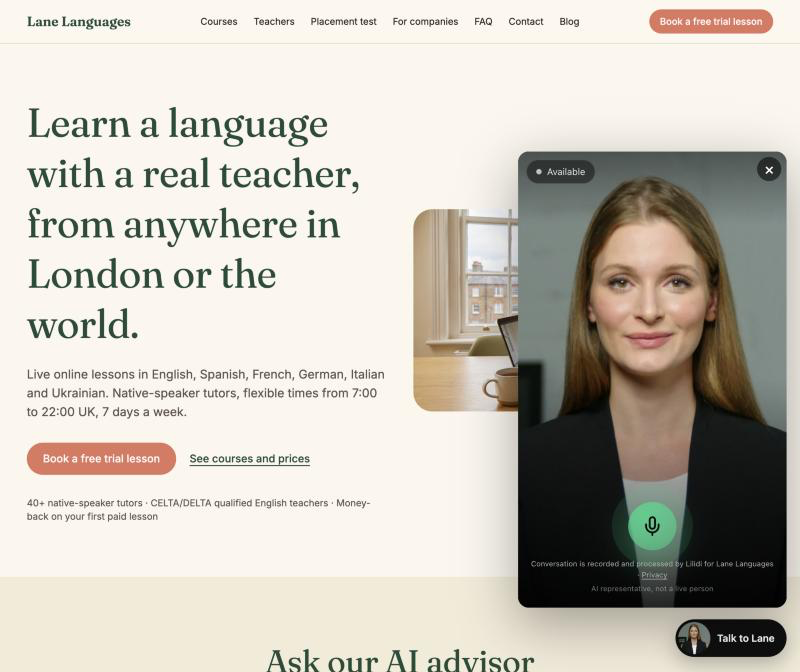
How it books a trial lesson
When you are ready, the advisor asks for your name, your email, the language you want and your level, or "not sure", one or two questions at a time rather than a form. It reads the details back, and our team emails you trial times within one working day. It never promises a particular tutor or slot; a person checks the calendar and confirms. For children it speaks to the parent and asks for the child's age; for companies it collects the company name, number of learners and goal and promises a quote within two working days.
What changed for our team
Fewer emails that only ask about prices and times, and more time for the conversations that matter: matching a student with the right tutor. Requests now arrive complete, with a language, a level and a contact, so mornings start with sending trial times instead of asking for missing details. We read the conversations too. When a new question comes up several times, the answer goes into the knowledge base and into the FAQ on our website.
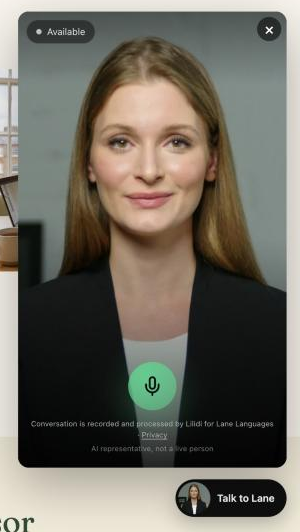
How it is built
We use an AI video assistant built with Lilidi (lilidi.ai). We wrote its knowledge base the way we brief a new member of the admissions team: who we are, what we teach, what things cost, what we promise and what we do not. When a price or a schedule changes, we edit that document and the advisor is up to date. What you tell it is used only to answer you and to pass your request to our team.
How to get the most from it
Start with the question you would normally be embarrassed to ask, such as "I have not studied in twenty years, where do I start?". Tell it which language you want and what you need it for. Let it take your name and email at the end so a tutor can get in touch. And if you would rather wait for a person, the contact form and hello@lane-languages.space are still on the page.